Blog
What Is Dealer-Level Diagnostic Software? A Technical Breakdown for Heavy-Duty Equipment

What Is Dealer-Level Diagnostic Software? A Technical Breakdown for Heavy-Duty Equipment
As heavy-duty equipment continues to evolve, diagnostic software has become just as important as mechanical expertise.
Modern machines rely on complex electronic control units (ECUs), sensors, and communication networks that require specialized access to diagnose correctly.
Dealer-level diagnostic software provides that access.
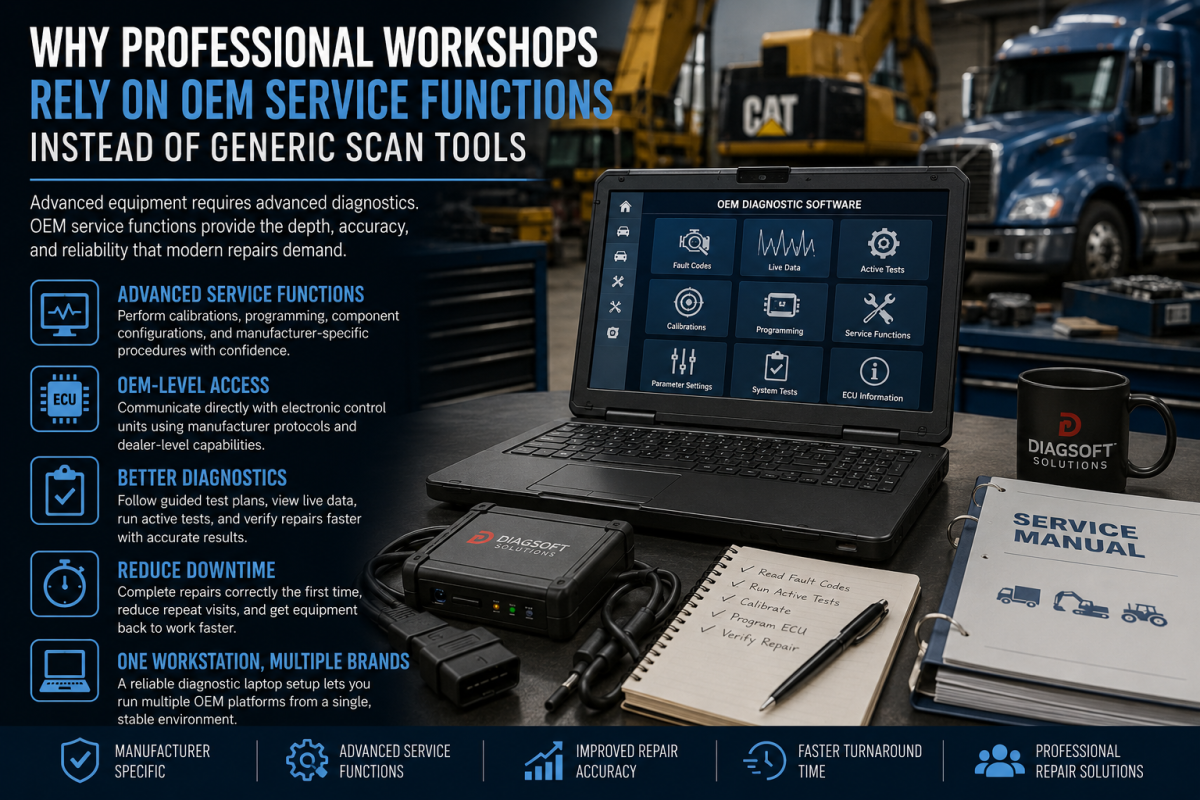
Unlike generic scanners, OEM diagnostic platforms are designed by manufacturers to communicate directly with all onboard systems, making them essential for professional repair environments.
What “Dealer-Level” Diagnostic Software Actually Means
Dealer-level diagnostic software refers to manufacturer-authorized programs used by dealerships and advanced workshops to diagnose, test, and program heavy-duty equipment.
These platforms allow technicians to:
-
Communicate with all ECUs on the machine
-
Read proprietary fault codes and definitions
-
Perform bi-directional component tests
-
Calibrate systems after repair
-
Program and reprogram control modules
-
Reset after-treatment systems (DPF, SCR, DEF)
-
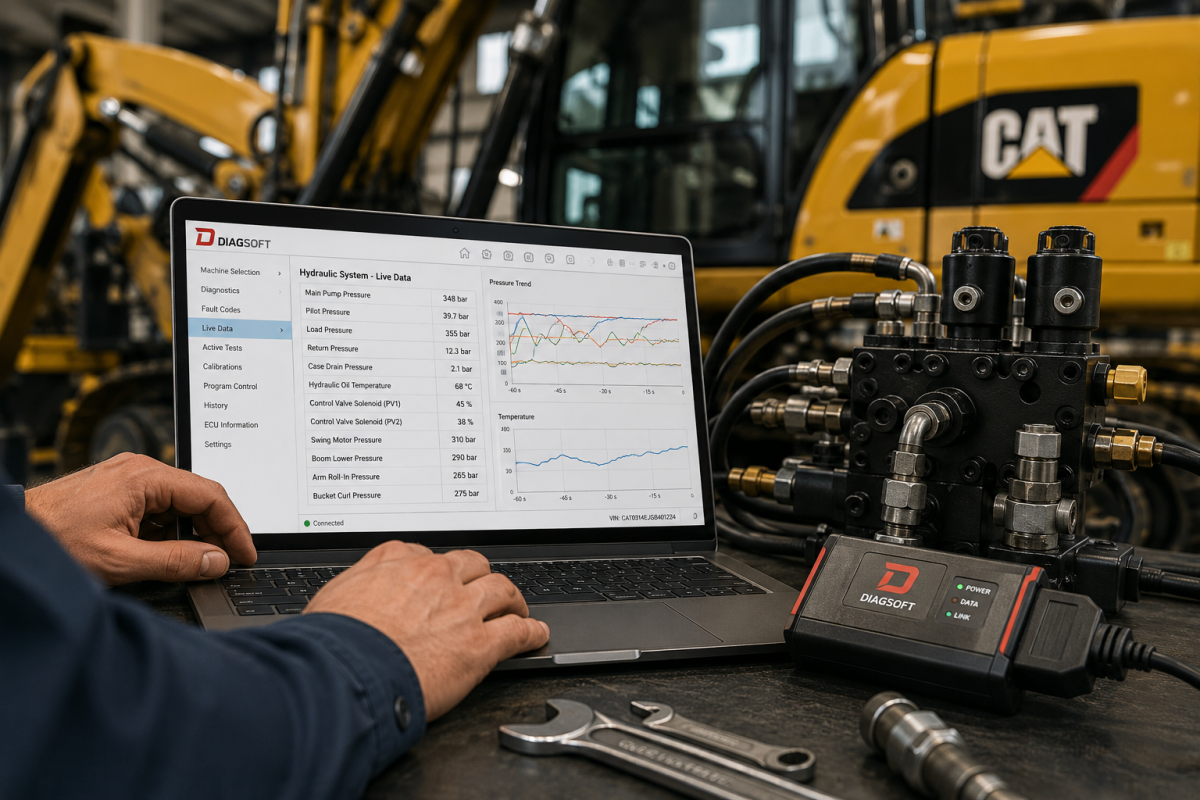
Monitor live data parameters
This level of access is not available through universal OBD2 tools.
Why Universal Diagnostic Tools Fall Short
Universal scanners are useful for basic fault reading, but they are limited by design.
They often cannot:
-
Access OEM-specific fault logic
-
Perform advanced calibrations
-
Initiate forced regenerations
-
Update ECU software
-
Interface with proprietary communication protocols
As a result, technicians may see fault codes without understanding the root cause.
Dealer-level diagnostic software fills this gap by providing full system visibility.
How OEM Diagnostic Software Communicates with ECUs
Modern heavy-duty equipment uses multiple ECUs that communicate through CAN, J1939, and manufacturer-specific networks.
Dealer software acts as the interpreter between the technician and the machine by:
-
Establishing secure communication with each ECU
-
Translating raw fault data into readable diagnostics
-
Providing guided troubleshooting routines
-
Executing calibration and reset commands
This structured workflow reduces guesswork and improves diagnostic accuracy.
Real Workshop Scenario
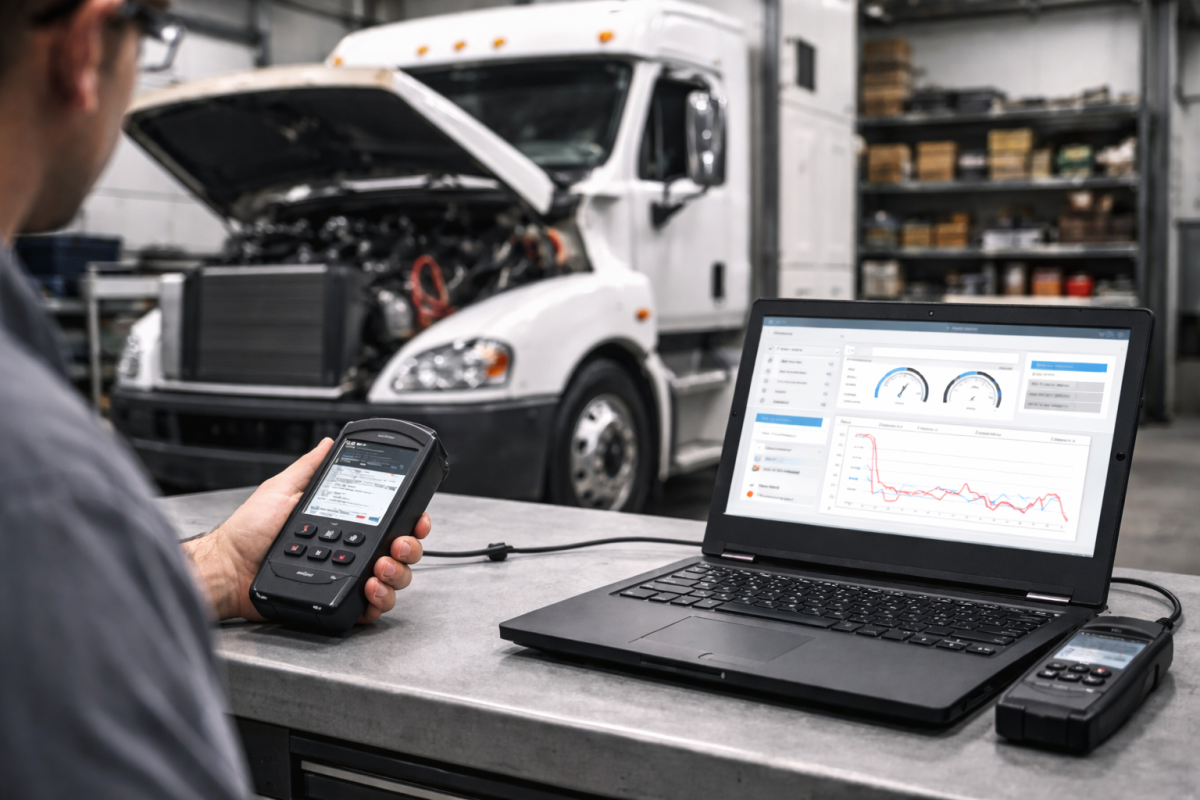
A truck arrives with intermittent power loss and no persistent fault codes.
With basic tools, diagnosis may stall.
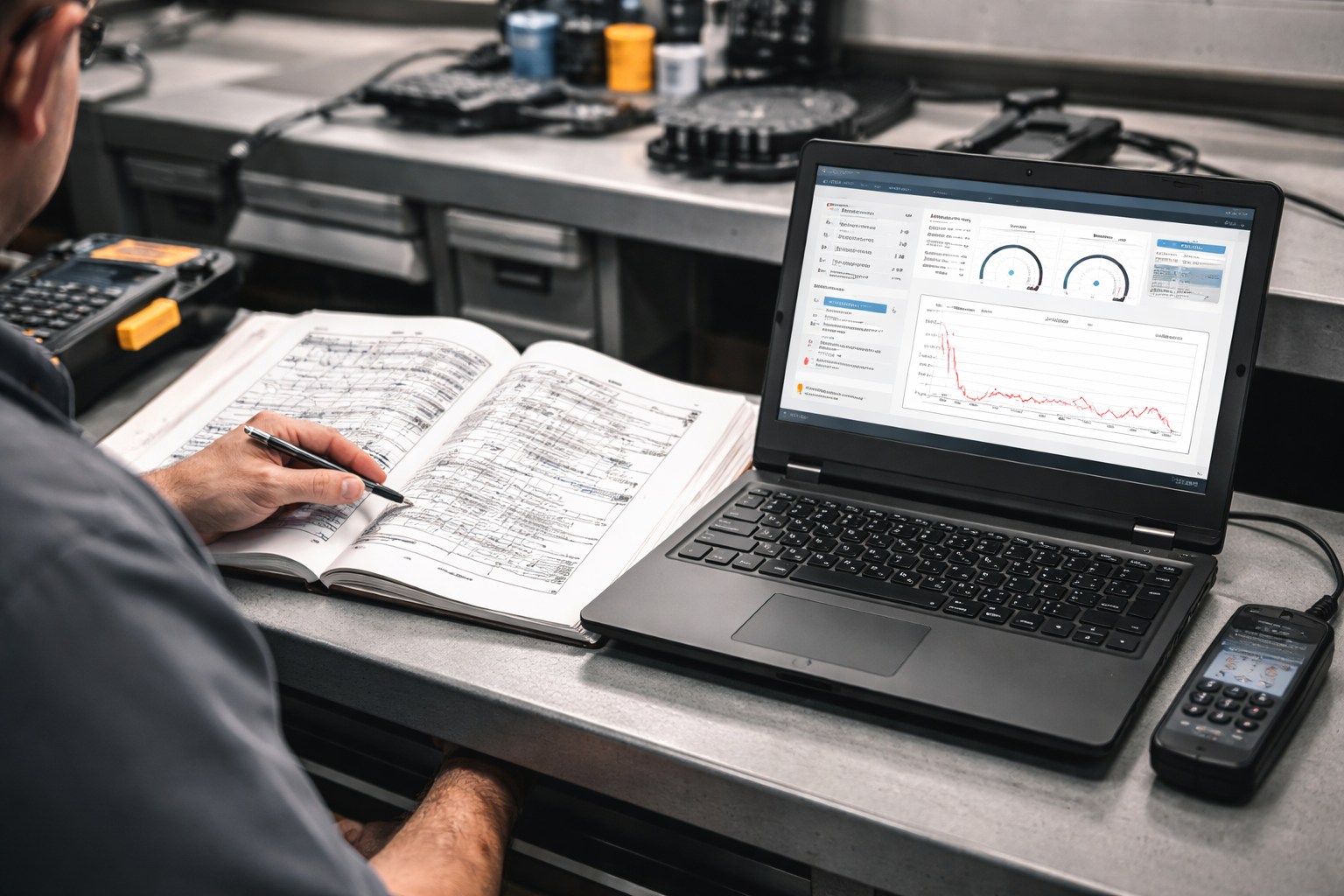
Using dealer-level diagnostic Laptop, a technician can:
-
Review historical fault data
-
Monitor live sensor readings under load
-
Compare expected vs actual performance values
-
Identify software-related derate conditions
The result is a faster, more accurate repair with fewer unnecessary part replacements.
The Growing Complexity of Heavy-Duty Systems
Manufacturers continue to increase electronic integration across:
-
Engine management systems
-
Emissions and after-treatment
-
Transmissions and drivetrains
-
Hydraulic control modules
-
Telematics and remote diagnostics
As this complexity grows, access to OEM diagnostic software And EPC Software becomes mandatory rather than optional.
Workshops without dealer-level tools face increased downtime, repeat failures, and reduced customer confidence.
Choosing the Right Diagnostic Software for Your Operation
Selecting the correct diagnostic platform depends on:
-
Equipment brand and model range
-
Engine manufacturer
-
Required programming and calibration functions
-
Software update availability
-
Hardware interface compatibility
Many professional operations use multiple OEM platforms to support mixed fleets effectively.
Final Thoughts
Dealer-level diagnostic software is the backbone of modern heavy-duty equipment repair.
It enables technicians to move beyond basic fault codes and into true system-level diagnostics.
As equipment technology advances, workshops that invest in manufacturer-authorized diagnostic software gain a clear advantage in efficiency, accuracy, and reliability.
Discover more from Diagsoft Solutions
Subscribe to get the latest posts sent to your email.