Blog
7 Common Diagnostic Mistakes That Lead to Unnecessary Parts Replacement

Equipment downtime is one of the most expensive challenges facing fleet operators, repair facilities, construction companies, agricultural businesses, and equipment owners. Every hour spent troubleshooting the wrong problem can result in lost productivity, delayed projects, frustrated customers, and unnecessary repair expenses.
Modern equipment is more advanced than ever before. Electronic control systems continuously monitor engine performance, emissions systems, hydraulic functions, transmission operation, sensors, controllers, and communication networks. While these technologies provide powerful diagnostic capabilities, they have also increased the complexity of troubleshooting.
Unfortunately, many repairs still involve replacing perfectly functional parts simply because the diagnostic process was incomplete or inaccurate.
In many situations, the reported fault is only a symptom of a larger problem. Replacing the component identified by a fault code without proper testing can lead to repeat failures, unnecessary expenses, and extended downtime.
Understanding the most common diagnostic mistakes can help technicians improve repair accuracy, reduce operating costs, and maximize equipment availability.
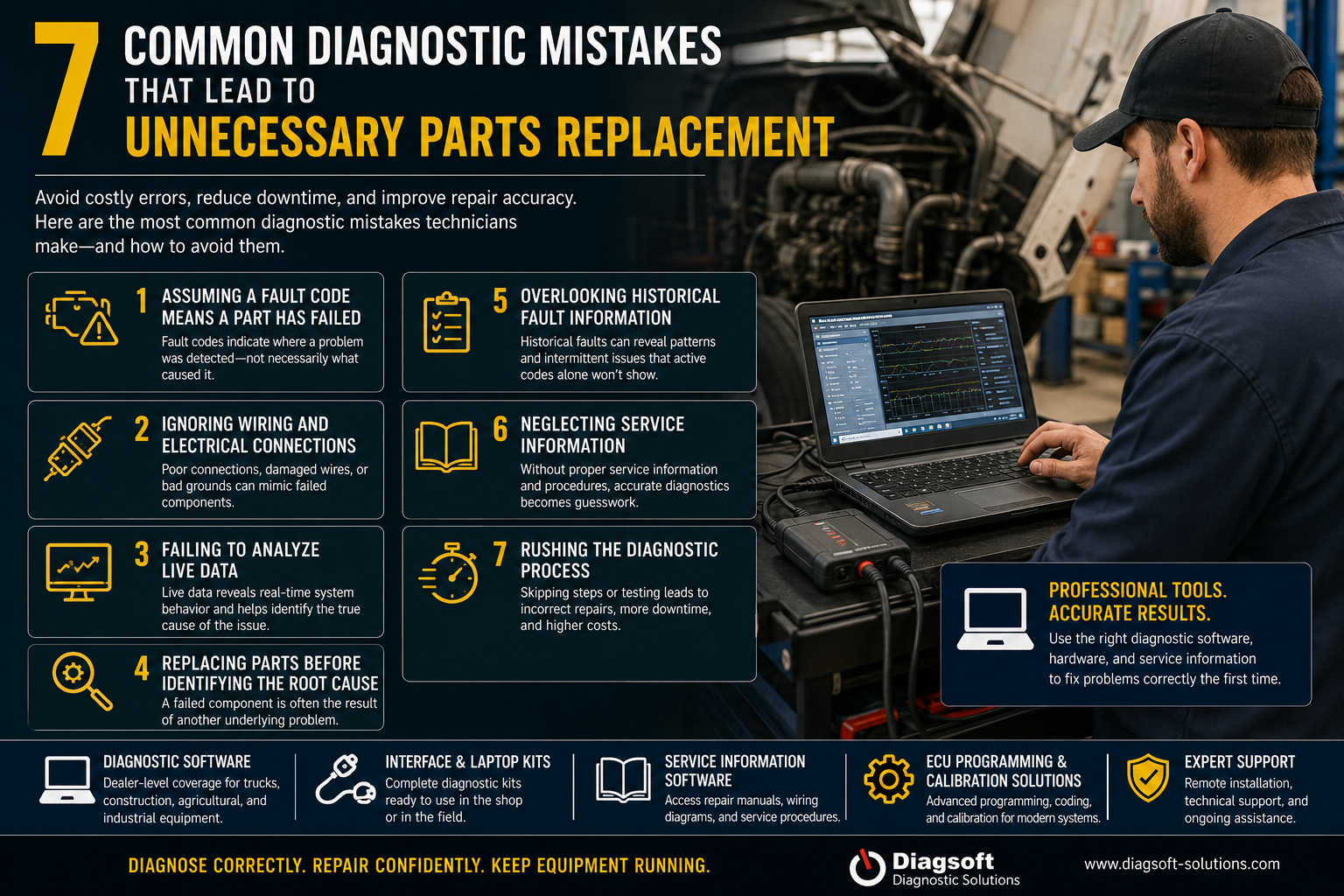
1. Assuming a Fault Code Means a Component Has Failed
One of the biggest mistakes technicians make is treating a fault code as a direct instruction to replace a part.
A fault code does not identify a failed component. It simply indicates that the control system detected an abnormal condition.
For example, a sensor-related fault may actually be caused by:
- Damaged wiring
- Corroded connectors
- Low system voltage
- Poor grounding
- Communication interruptions
- Mechanical system problems
Many technicians immediately replace the sensor because the fault code appears to point directly to it. In reality, the sensor may be operating correctly while another issue within the system is creating abnormal readings.
Professional diagnostics involve analyzing fault history, operating conditions, and supporting system data before replacing any component.
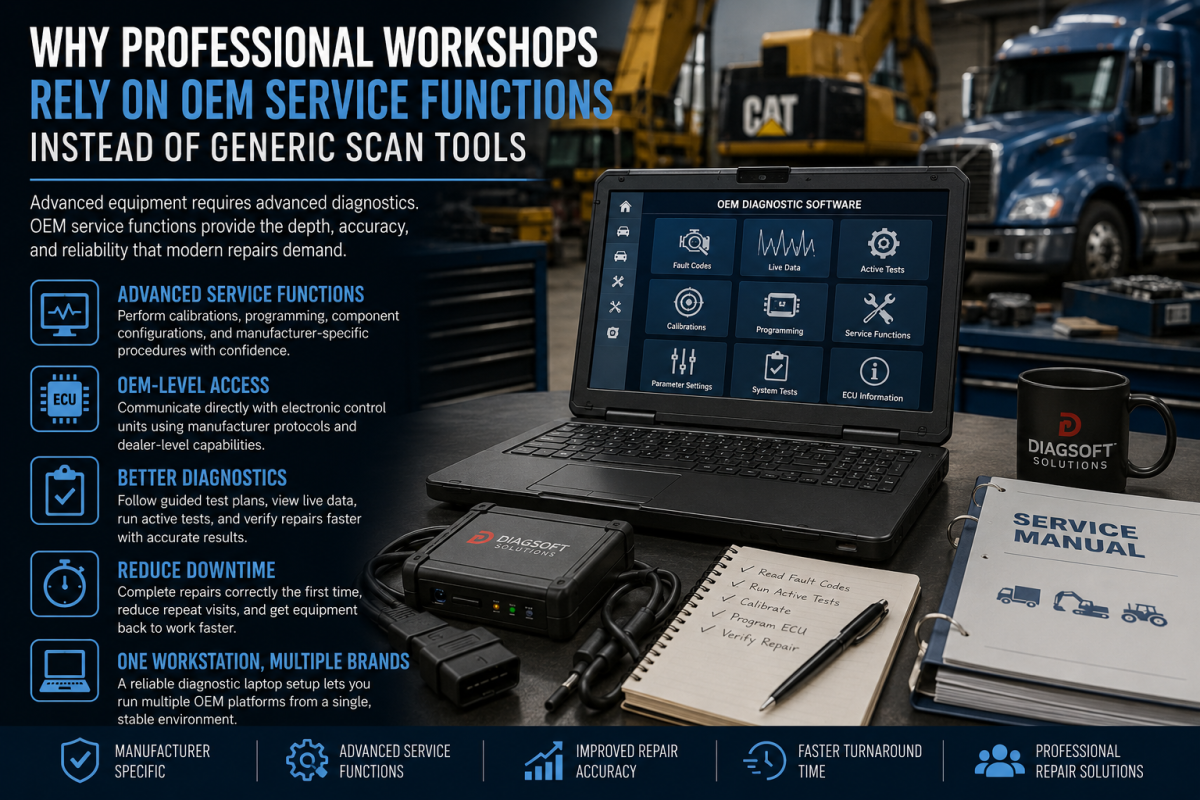
If you’re looking for professional troubleshooting tools, explore our Diagnostic Software Solutions:
2. Ignoring Wiring and Electrical Connections
Modern trucks, construction equipment, agricultural machinery, and industrial systems rely heavily on electronic communication.
Electrical problems are responsible for a significant percentage of misdiagnosed failures.
Common electrical issues include:
- Loose connectors
- Corroded terminals
- Broken conductors
- Damaged wiring harnesses
- Poor grounds
- Moisture intrusion
A damaged connector can create symptoms that are nearly identical to a failed sensor or electronic control module.
Without proper circuit testing, technicians may replace expensive components when the actual problem is a simple wiring defect.
Before replacing any electronic component, technicians should always verify:
- Power supply
- Ground circuits
- Connector condition
- Harness integrity
- Communication circuits
A few minutes of electrical testing can prevent hundreds or even thousands of dollars in unnecessary repairs.
3. Failing to Analyze Live Data
Fault codes provide valuable information, but they only represent part of the diagnostic picture.
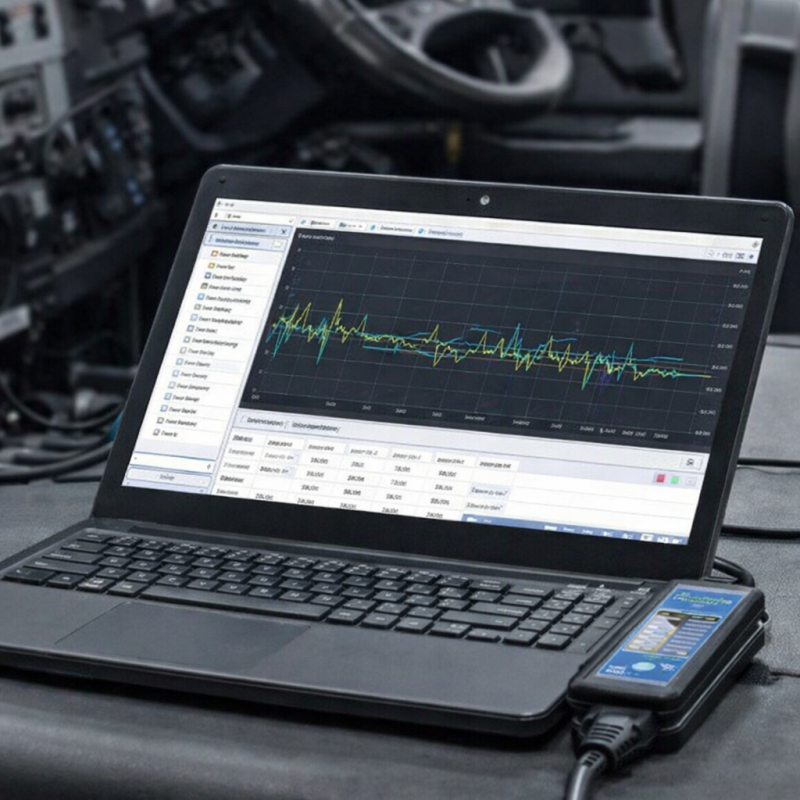
Live data allows technicians to monitor system performance in real time and often reveals information that fault codes alone cannot provide.
Important parameters may include:
- Temperatures
- Pressures
- Sensor readings
- Voltage levels
- Communication status
- System load conditions
For example, a pressure-related fault code may appear to indicate a failed sensor. However, live data analysis may reveal that the sensor is reporting correctly while another system component is causing abnormal pressure conditions.
Technicians who skip live data analysis often replace parts based on assumptions rather than evidence.
Professional diagnostic hardware allows technicians to review large amounts of live system data efficiently.
View our Interface & Laptop Kits:
4. Replacing Components Without Identifying the Root Cause
A failed component is often the result of another underlying problem.
Examples include:
- Excessive heat damaging electronic components
- Contaminated fluids affecting sensors
- Mechanical wear triggering electronic fault codes
- Charging system failures causing controller issues
- Hydraulic problems creating abnormal operating conditions
In these situations, replacing the failed component may temporarily eliminate the symptoms, but the replacement part will likely fail again if the original cause remains unresolved.
Effective troubleshooting requires technicians to understand:
What failed?
Why did it fail?
What caused the failure?
Root cause analysis is one of the most important skills in modern diagnostics.
Without identifying the original source of the problem, technicians often find themselves performing the same repair repeatedly.
5. Overlooking Historical Fault Information
Many technicians focus only on active fault codes while ignoring stored historical information.
This can be a costly mistake.
Historical fault records often reveal patterns that help identify intermittent or recurring issues.
Historical data can show:
- Recurring failures
- Environmental influences
- Voltage instability
- Communication interruptions
- Load-related operating conditions
- Previous repair attempts
A fault that appears random today may actually be part of a recurring pattern that has existed for weeks or months.
Reviewing fault history often provides valuable clues that significantly reduce troubleshooting time and improve repair accuracy.
Professional diagnostic systems offer advanced fault history analysis that helps technicians identify patterns quickly and efficiently.
6. Neglecting Service Information and Technical Documentation
Even highly experienced technicians can struggle when troubleshooting modern equipment without access to proper technical information.
Service information provides:
- Diagnostic procedures
- Wiring diagrams
- Component locations
- Testing instructions
- Repair specifications
- System descriptions
Without accurate documentation, technicians are often forced to rely on assumptions or trial-and-error repairs.
Many unnecessary component replacements occur simply because proper testing procedures were never performed.
Having access to reliable service information dramatically improves troubleshooting efficiency and helps technicians verify failures before replacing expensive parts.
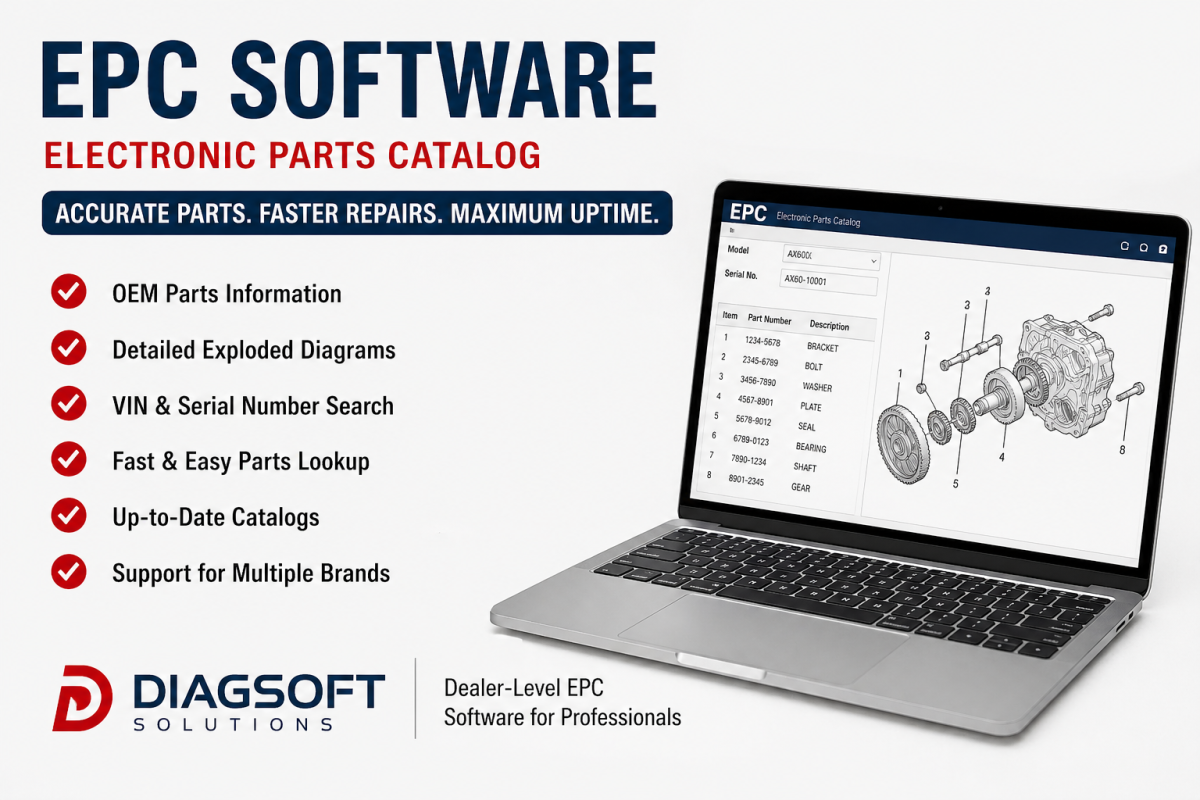
Browse our Service Information Software Solutions:
7. Rushing the Diagnostic Process
Pressure to return equipment to service quickly often leads to rushed troubleshooting.
Customers need their equipment back.
Fleet operators want vehicles on the road.
Contractors need machines operating on job sites.
Unfortunately, speed-focused diagnostics frequently result in:
- Incorrect repairs
- Repeat failures
- Additional downtime
- Increased labor costs
- Unnecessary parts replacement
The most effective technicians follow a structured diagnostic process regardless of time pressure.
A professional troubleshooting workflow should include:
- Verify the complaint.
- Review active fault codes.
- Review historical fault information.
- Perform a visual inspection.
- Analyze live data.
- Test circuits and components.
- Confirm the root cause.
- Verify repairs after completion.
Following a consistent process dramatically increases diagnostic accuracy and reduces costly mistakes.
The Hidden Cost of Misdiagnosis
Many businesses focus only on the cost of replacement parts.
However, the true cost of misdiagnosis extends much further.
Incorrect repairs can result in:
- Equipment downtime
- Lost productivity
- Additional labor expenses
- Delayed projects
- Repeat service visits
- Increased operating costs
- Reduced customer confidence
For organizations operating multiple vehicles or machines, these costs can quickly become significant.
Reducing diagnostic errors is one of the most effective ways to improve overall operational efficiency.
Why Professional Diagnostic Solutions Matter
Today’s equipment depends heavily on electronic systems, controllers, communication networks, and advanced software.
Without proper diagnostic tools, technicians are often forced to make decisions based on assumptions rather than data.
Professional diagnostic solutions provide:
- Comprehensive fault code analysis
- Live parameter monitoring
- Controller communication
- Calibration capabilities
- Advanced troubleshooting functions
- Technical documentation access
These capabilities help technicians identify problems faster, improve repair accuracy, and reduce unnecessary component replacement.
Recommended Diagnostic Hardware for Professional Technicians
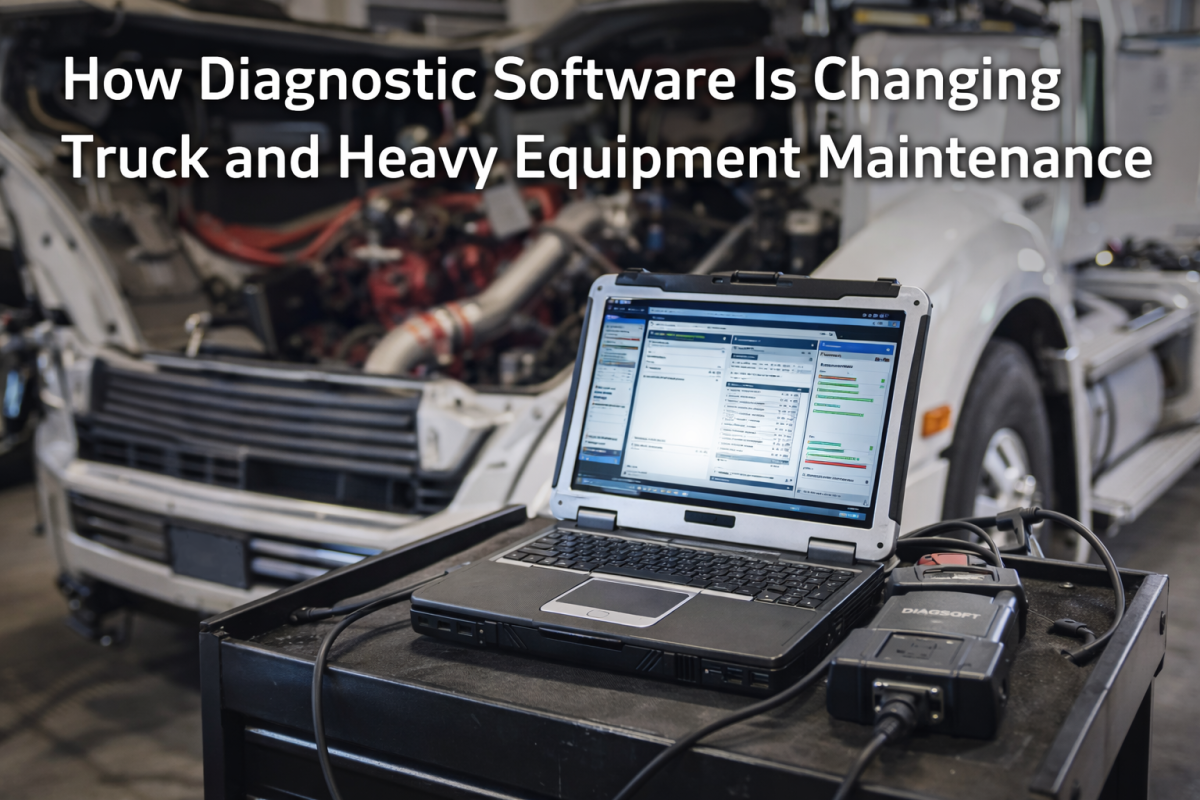
Successful diagnostics require more than software alone. Having a reliable and properly configured diagnostic workstation can significantly improve troubleshooting efficiency and reduce repair time.
A dedicated diagnostic laptop kit provides technicians with a stable platform for analyzing fault codes, monitoring live data, accessing service information, and performing advanced diagnostic procedures.
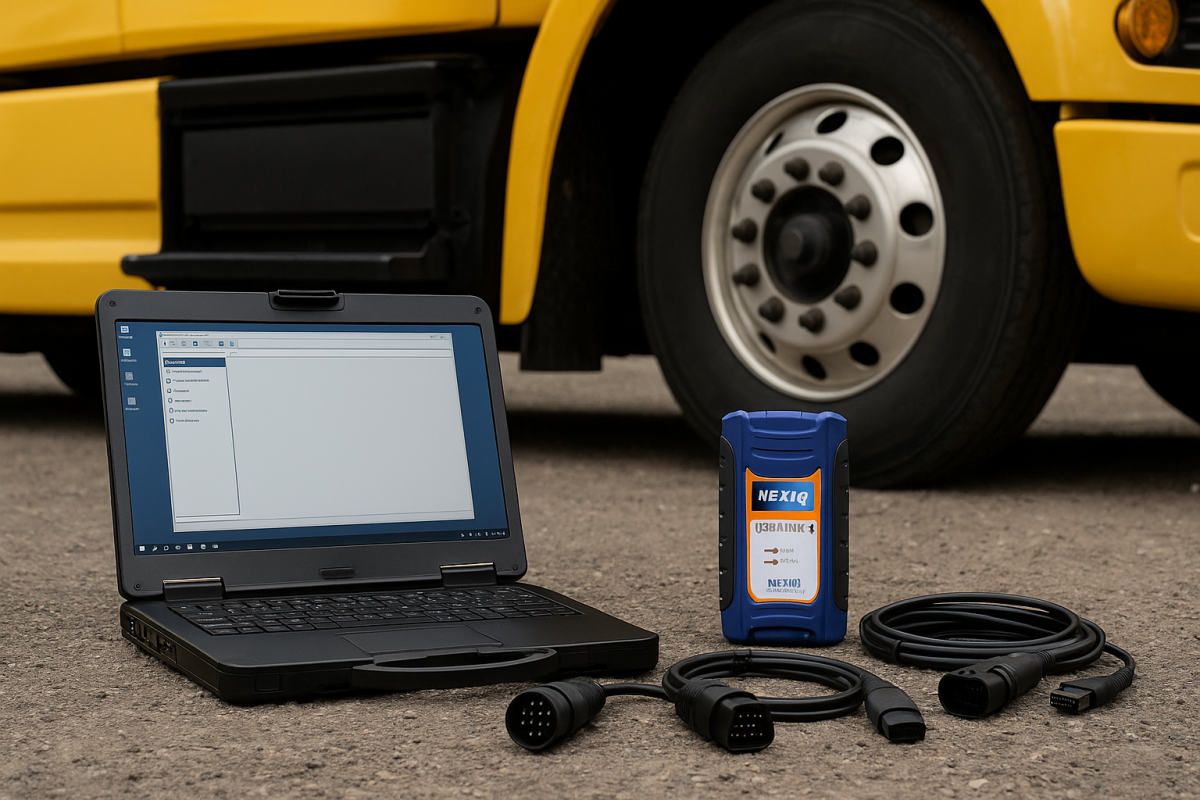
If you’re looking for a complete professional solution, check out our 2026 Diagnostic Laptop Kit, designed to help technicians work more efficiently in the workshop or in the field.
Final Thoughts
Replacing parts should be the final step in the diagnostic process—not the first.
Many costly repairs result from assumptions, incomplete testing, poor data analysis, or failure to identify the root cause of a problem.
By avoiding these seven common diagnostic mistakes, technicians can improve repair accuracy, reduce unnecessary expenses, minimize downtime, and maximize equipment reliability.
The best technicians do not simply replace parts faster—they diagnose problems correctly the first time.
Discover more from Diagsoft Solutions
Subscribe to get the latest posts sent to your email.